MPG to Text Converter
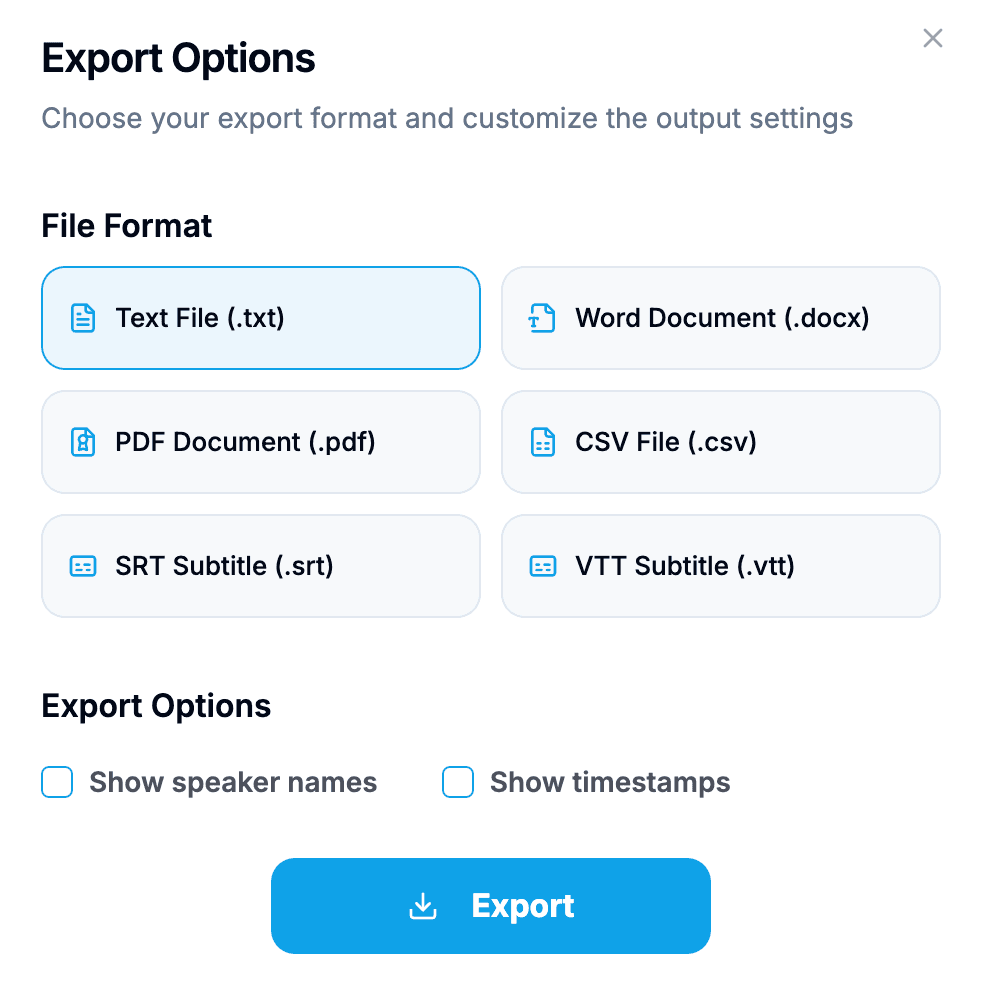
Upload a MPG video file and convert it into accurate, editable text. Export the transcript as TXT, PDF, DOCX, SRT, VTT, CSV when it is ready.
Drag files here
or click to browse your computerTap to browse your files
Supported formats include 3GP, AAC, AMR, AWB, FLAC, M4A, MKA, MKV, MOV, MP2, MP3, MP4, MPG, OGA, OGG, OPUS, TS, WAV, WEBA, WEBM, WMA, WMV.
By using Video To Text Converter, you agree to our Terms of Service and Privacy Policy.
How to Convert MPG to Text in 3 Simple Steps
Upload a MPG video file and convert speech into editable text in minutes.
Upload Your MPG File
Choose your MPG video file from your device and start from the video upload tab.
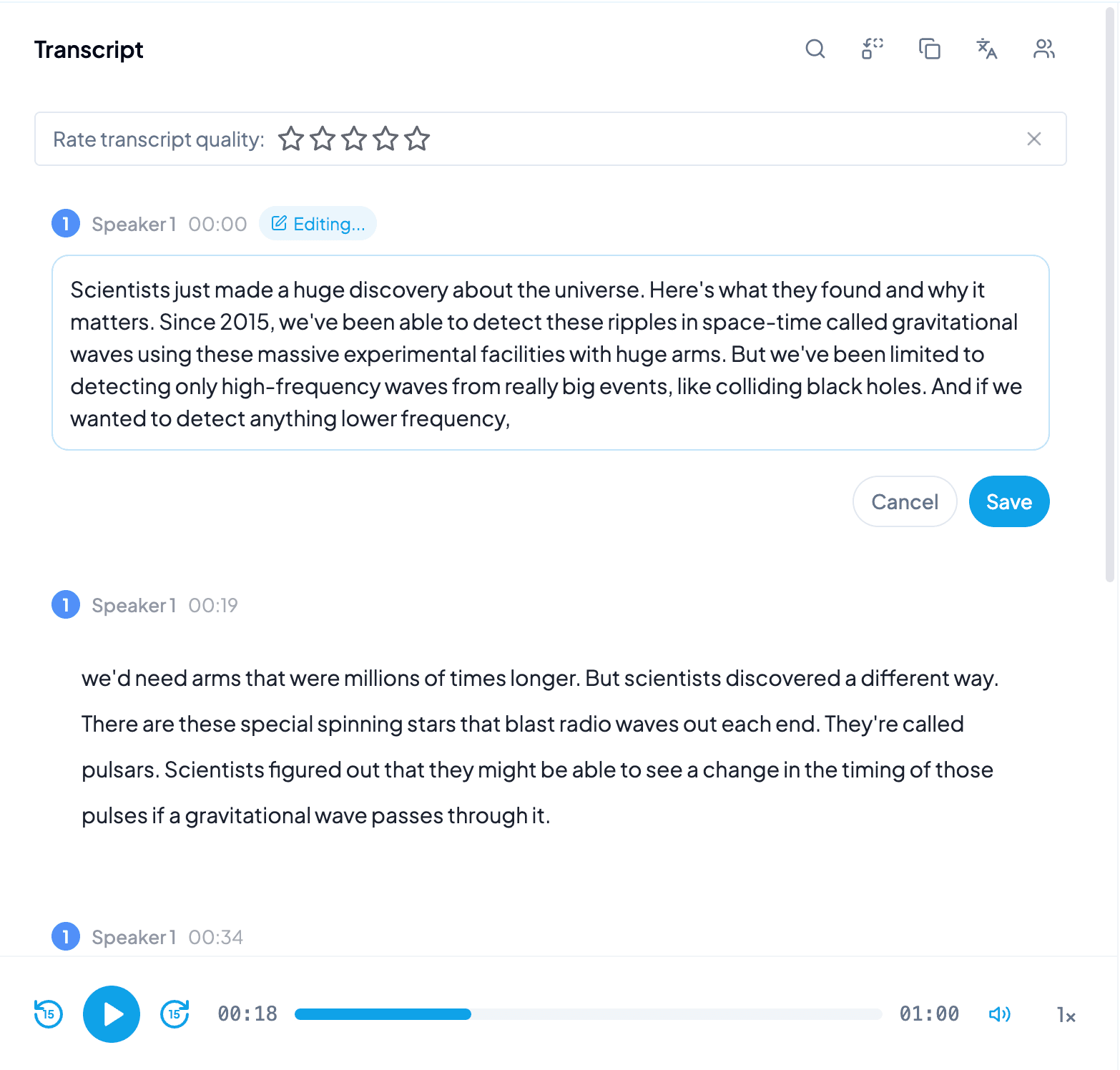
Start AI Transcription
AI processes the spoken content and creates an accurate, readable transcript.
Export Your Transcript
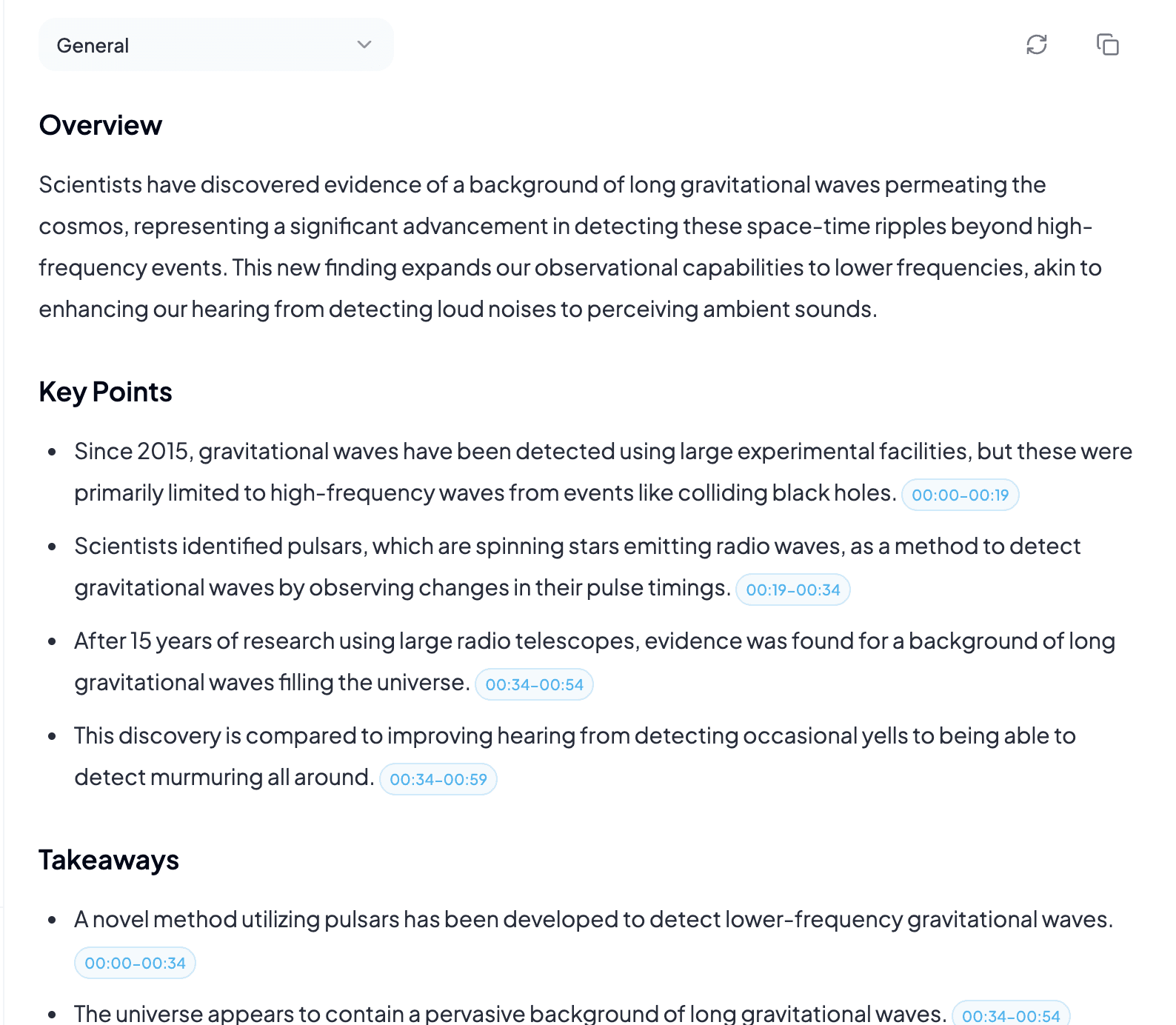
Download the transcript as TXT, PDF, DOCX, SRT, VTT, CSV, or use it for summaries, captions, and searchable notes.
More Video to Text Converters
Explore other video formats supported by Video To Text Converter.